Interactive Maps & Overlays
For Your Favorite Games
Get real-time in-game overlays, position tracking, and interactive maps. Use our lightweight companion app or browser-based tools.
Windows 10/11 • Free Download • ~7MB • No Account Required
TH.GL Companion App
Standalone Windows app with in-game overlays, live position tracking, and second-screen support for 17+ games.
In-Game Overlays
No alt-tabbing needed
Second Screen
Dual monitor support
Safe & Approved
Officially permitted
Free Download
~7MB only
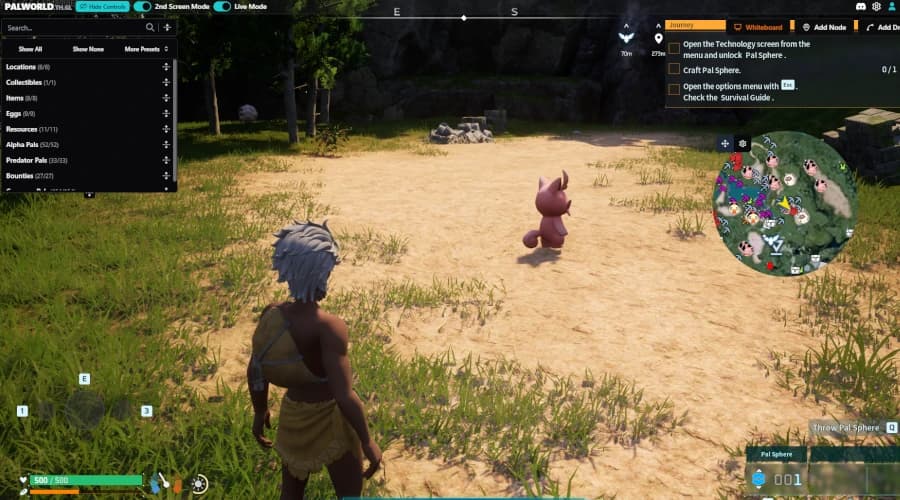
17 Games Supported
Palworld, Dune, Once Human & more
Interactive Maps
Track nodes, collectibles, NPCs, and resources with comprehensive filters. Create custom markers and routes to share with friends.
Live Tracking
See your exact position and nearby actors in real-time. Use Peer Link to sync with your phone or tablet as a live minimap.
Privacy First
No account required. Local-first. Anonymous analytics. Mark unlimited locations as discovered — completely free.
20+ Games
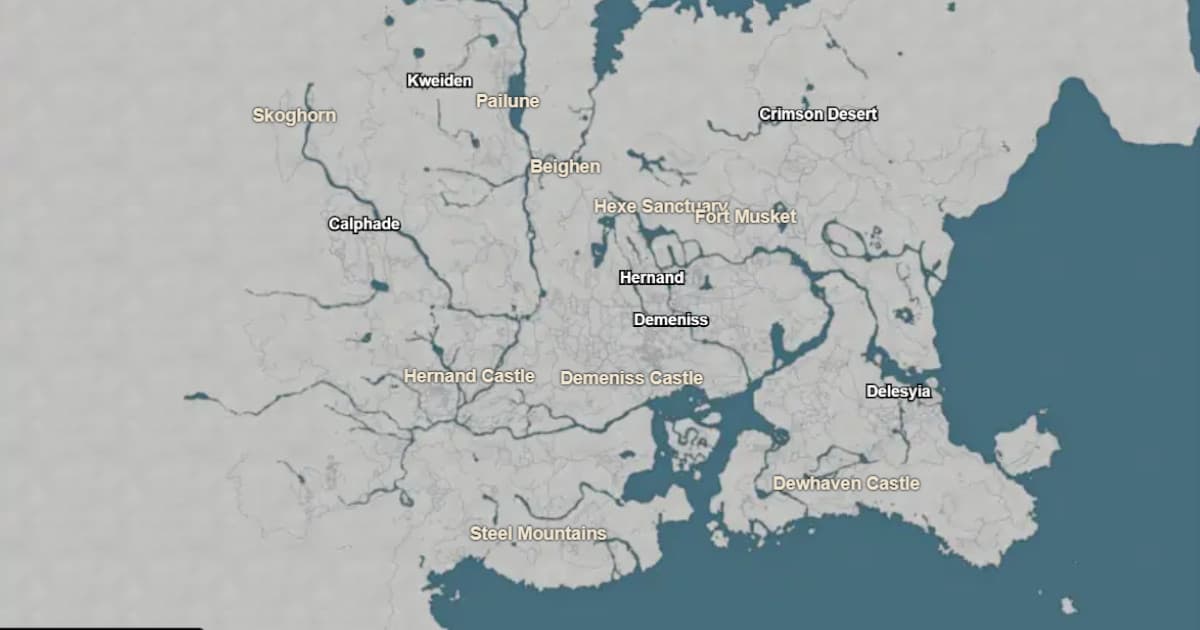
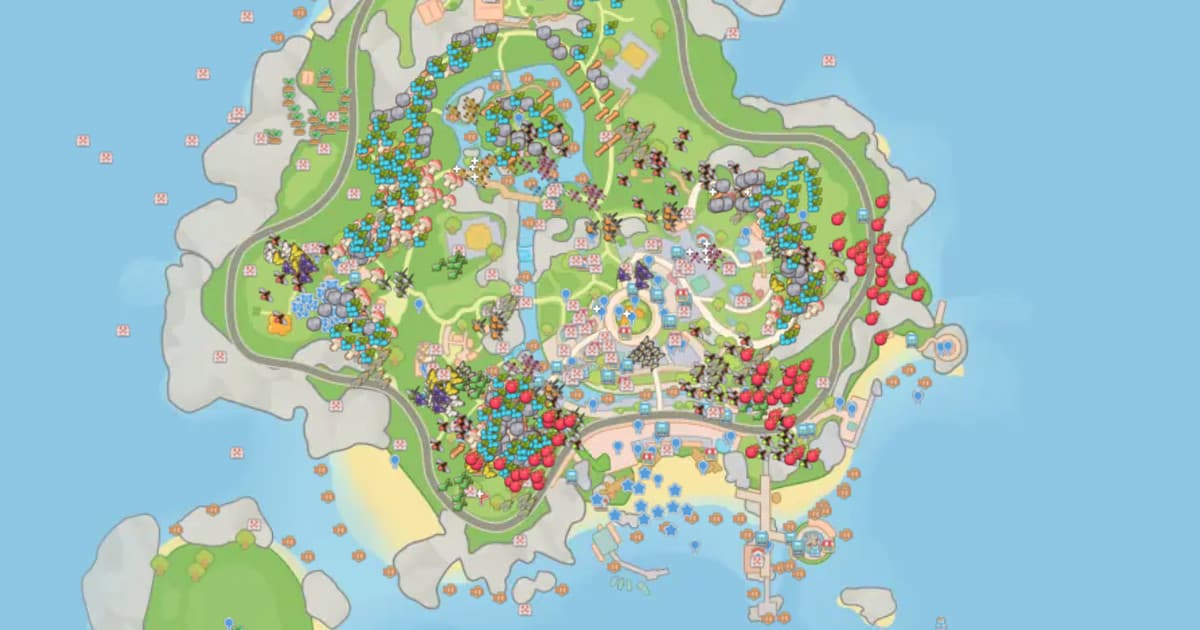
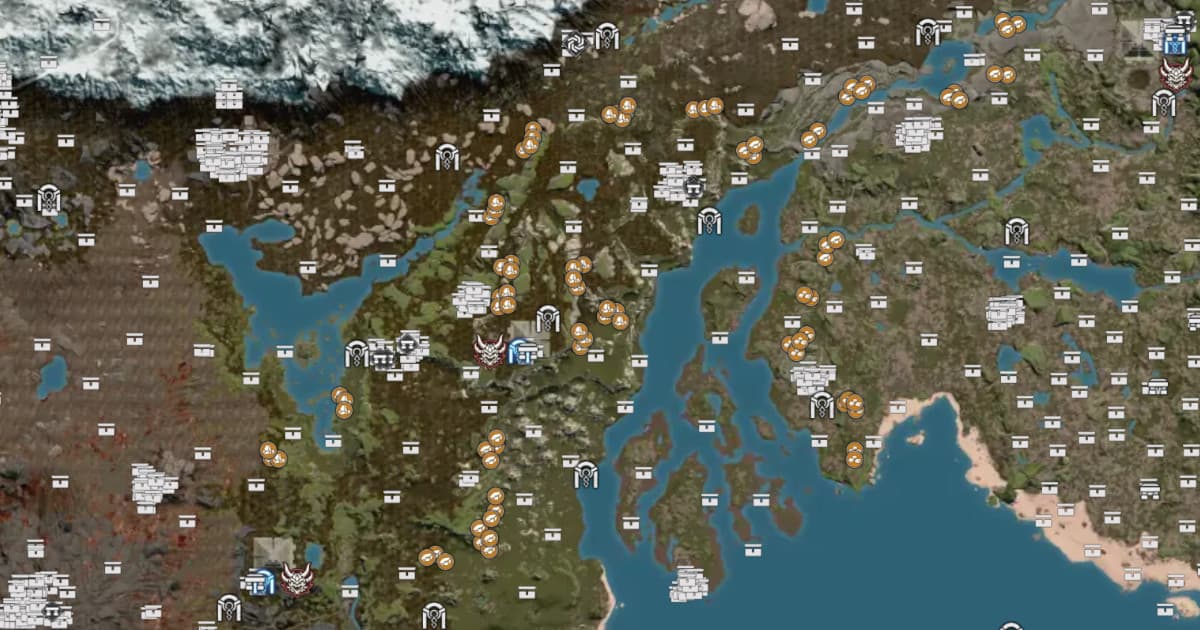
Supports popular titles like Palworld, Dune Awakening, Wuthering Waves, and more. New games added regularly.
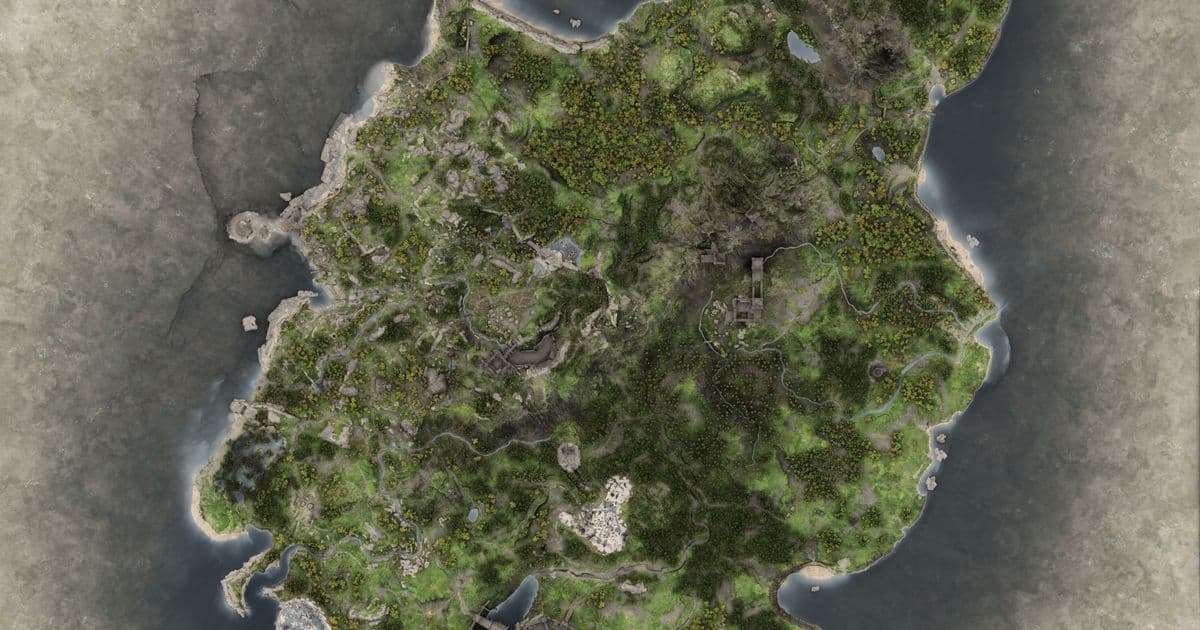
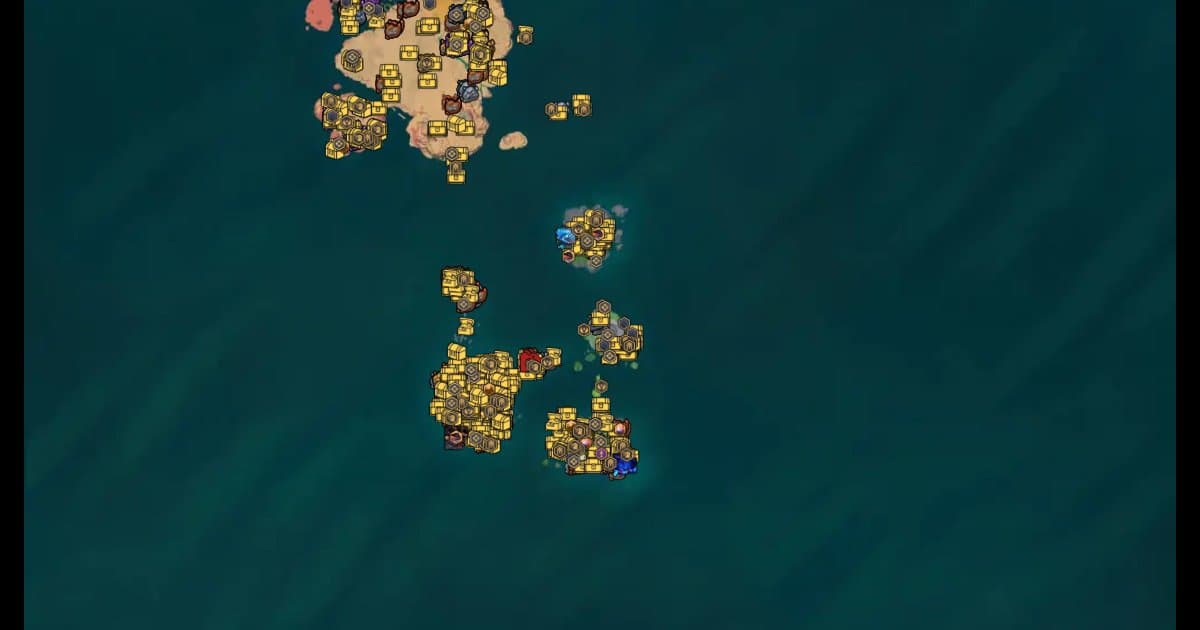
Featured Games






What's New
Latest game and app updates
 Starsand Island
New Database
I added a full Database for Starsand Island, including Items, Recipes and a Codex. Please give me feedback: https://starsandisland.th.gl/
 Crimson Desert
Enhanced Presets
Presets can now do a lot more:
- Save sizes & alerts, not just filters — when you save a preset, pick what it captures: active Filters, your icon sizes, and your audio alerts. Applying it restores exactly those.
- Drag to reorder — grab the handle and arrange presets in any order (e.g. one per map).
- Export & import — share a single preset as a file with a friend; importing adds it to your list without overwriting your other presets or profile.
- Plus one-click Update (re-save a preset to your current setup) and an active highlight on the preset that matches your current view.
Per-Filter Live Mode
Live mode is no longer all-or-nothing. Set it per filter — choose whether each one shows as Predicted, Combined, or Live. For example, track bugs live while keeping ore as predicted locations.
See Your Active Audio Alerts
Ever wondered where that ping is coming from? Settings now lists every enabled audio alert in one place, so you can see and turn off exactly what's making sound. You can also enable an optional notification that names the alert that just fired.
More Reliable Peer Link
Peer Link now runs on our own signaling server instead of a shared public one — fixing the intermittent "can't connect to peer mesh" drops some of you ran into.
Bug Fixes
- Audio alerts no longer ping for nodes you've already marked as discovered.
- "Mark discovered" (F10) now works in Live mode and correctly greys out / hides respawning nodes across all view modes.
- Shared route/filter files that had stopped showing on the map now import and display correctly again.
- @Palia: amber-encased fishing hotspots are now a separate (infected) filter — they don't give starred fish, so you can hide them when hunting for stars.
 Soulmask
Enhanced Presets
Presets can now do a lot more:
- Save sizes & alerts, not just filters — when you save a preset, pick what it captures: active Filters, your icon sizes, and your audio alerts. Applying it restores exactly those.
- Drag to reorder — grab the handle and arrange presets in any order (e.g. one per map).
- Export & import — share a single preset as a file with a friend; importing adds it to your list without overwriting your other presets or profile.
- Plus one-click Update (re-save a preset to your current setup) and an active highlight on the preset that matches your current view.
Per-Filter Live Mode
Live mode is no longer all-or-nothing. Set it per filter — choose whether each one shows as Predicted, Combined, or Live. For example, track bugs live while keeping ore as predicted locations.
See Your Active Audio Alerts
Ever wondered where that ping is coming from? Settings now lists every enabled audio alert in one place, so you can see and turn off exactly what's making sound. You can also enable an optional notification that names the alert that just fired.
More Reliable Peer Link
Peer Link now runs on our own signaling server instead of a shared public one — fixing the intermittent "can't connect to peer mesh" drops some of you ran into.
Bug Fixes
- Audio alerts no longer ping for nodes you've already marked as discovered.
- "Mark discovered" (F10) now works in Live mode and correctly greys out / hides respawning nodes across all view modes.
- Shared route/filter files that had stopped showing on the map now import and display correctly again.
- @Palia: amber-encased fishing hotspots are now a separate (infected) filter — they don't give starred fish, so you can hide them when hunting for stars.
 Conan Exiles Enhanced
Enhanced Presets
Presets can now do a lot more:
- Save sizes & alerts, not just filters — when you save a preset, pick what it captures: active Filters, your icon sizes, and your audio alerts. Applying it restores exactly those.
- Drag to reorder — grab the handle and arrange presets in any order (e.g. one per map).
- Export & import — share a single preset as a file with a friend; importing adds it to your list without overwriting your other presets or profile.
- Plus one-click Update (re-save a preset to your current setup) and an active highlight on the preset that matches your current view.
Per-Filter Live Mode
Live mode is no longer all-or-nothing. Set it per filter — choose whether each one shows as Predicted, Combined, or Live. For example, track bugs live while keeping ore as predicted locations.
See Your Active Audio Alerts
Ever wondered where that ping is coming from? Settings now lists every enabled audio alert in one place, so you can see and turn off exactly what's making sound. You can also enable an optional notification that names the alert that just fired.
More Reliable Peer Link
Peer Link now runs on our own signaling server instead of a shared public one — fixing the intermittent "can't connect to peer mesh" drops some of you ran into.
Bug Fixes
- Audio alerts no longer ping for nodes you've already marked as discovered.
- "Mark discovered" (F10) now works in Live mode and correctly greys out / hides respawning nodes across all view modes.
- Shared route/filter files that had stopped showing on the map now import and display correctly again.
- @Palia: amber-encased fishing hotspots are now a separate (infected) filter — they don't give starred fish, so you can hide them when hunting for stars.
 App Update
Enhanced Presets
Presets can now do a lot more:
•Save sizes & alerts, not just filters — when you save a preset, pick what it captures: active Filters, your icon sizes, and your audio alerts. Applying it restores exactly those.
•Drag to reorder — grab the handle and arrange presets in any order (e.g. one per map).
•Export & import — share a single preset as a file with a friend; importing adds it to your list without overwriting your other presets or profile.
•Plus one-click Update (re-save a preset to your current setup) and an active highlight on the preset that matches your current view.
Per-Filter Live Mode
Live mode is no longer all-or-nothing. Set it per filter — choose whether each one shows as Predicted, Combined, or Live. For example, track bugs live while keeping ore as predicted locations.
See Your Active Audio Alerts
Ever wondered where that ping is coming from? Settings now lists every enabled audio alert in one place, so you can see and turn off exactly what's making sound. You can also enable an optional notification that names the alert that just fired.
More Reliable Peer Link
Peer Link now runs on our own signaling server instead of a shared public one — fixing the intermittent "can't connect to peer mesh" drops some of you ran into.
Bug Fixes
•Audio alerts no longer ping for nodes you've already marked as discovered.
•"Mark discovered" (F10) now works in Live mode and correctly greys out / hides respawning nodes across all view modes.
•Shared route/filter files that had stopped showing on the map now import and display correctly again.
•@Palia: amber-encased fishing hotspots are now a separate (infected) filter — they don't give starred fish, so you can hide them when hunting for stars.
Choose Your Experience
Use the companion app for overlays or access web tools from any device
Companion App
- ✓In-game overlays with real-time tracking
- ✓Second screen mode for dual monitors
- ✓Auto-updates and hotkey controls
- ✓Windows 10/11 only
Web-Based Tools
- ✓Works on any device and platform
- ✓Full interactive map features
- ✓No download required
- ✗No overlay or position tracking
Join the Community
What Players Are Saying
"Thank you so much for your hard work ❤️"
"Ur the best man. Keep up the good work!"
"my god, amazing and quick work as always"
"I use your Once Human tracker and its amazing"
From the Blog
Support Development
TH.GL is free to use and ad-supported. You can unlock a better experience by becoming a supporter on Patreon.
Support Me on PatreonBuilt and maintained by a solo developer — thank you for your support!
Want to contribute? View the source code on GitHub and submit a pull request.